From the signal log
Dispatches on AI agents, deployment patterns, and building with OpenClaw.

OpenClaw Gives Your Agent a Runtime. FavCRM Gives It a Business Backend.
OCLauncher keeps your OpenClaw agent running in the cloud. For real business work, the next step is a structured CRM backend for customers, bookings, billing, messaging, and reporting.

How to Use Meta Ads MCP With Your AI Agent
Meta Ads AI Connectors let marketers create, manage, and analyze campaigns from AI tools. Learn what mcp.facebook.com/ads is, why it requires authentication, and how to use it safely.

MyClaw Messenger: Your Personal AI Agent, Now in Your Pocket
MyClaw Messenger brings your OpenClaw AI agent to iOS and Android. Chat on the go, manage tasks from your phone, automate with scheduled jobs, and access 17+ tool integrations — all from the same agent you use on the web.

Trade Forex from WhatsApp: MetaTrader 5 Meets Your AI Agent
Connect your MetaTrader 5 broker account to your AI agent and manage trades, check positions, and monitor your portfolio — all from WhatsApp, Telegram, or any chat channel.

8 Ways to Use an AI Chat Widget on Your Website
From e-commerce support to lead qualification — real-world use cases for embedding an AI agent on your site, with system prompt examples for each.

Mini Apps: Your AI Agent Can Build Interactive Tools For You
Ask your agent to create trackers, dashboards, timers, and forms — no coding needed. They persist data, match your theme, and live on your dashboard.

How a Small Online Store Saves 5 Hours a Week with an AI Agent
A WooCommerce shop owner uses an AI agent to handle orders, create coupons, generate product images, and run weekly sales reports — all from WhatsApp messages.

What Can Your WhatsApp AI Agent Actually Do? 15 Real Examples
Your AI agent lives in WhatsApp. Here are 15 things it can do for you — from scheduling meetings to publishing blog posts — all from the chat you already use every day.
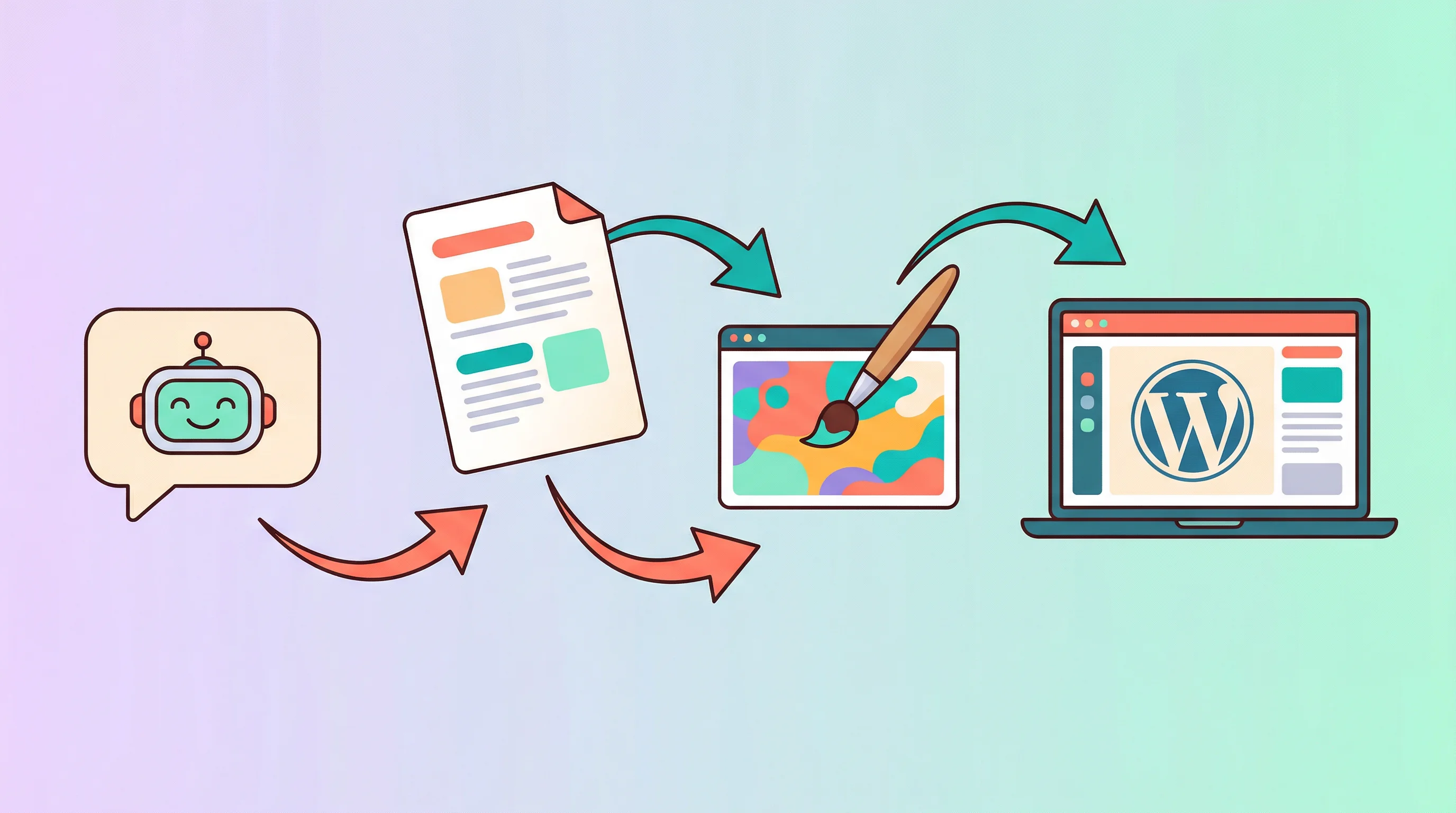
Write, Design, and Publish Blog Posts to WordPress — With One Message to Your AI Agent
Your AI agent writes the blog post, generates a cover image, and publishes to WordPress — all from a single conversation. Here's exactly how it works.
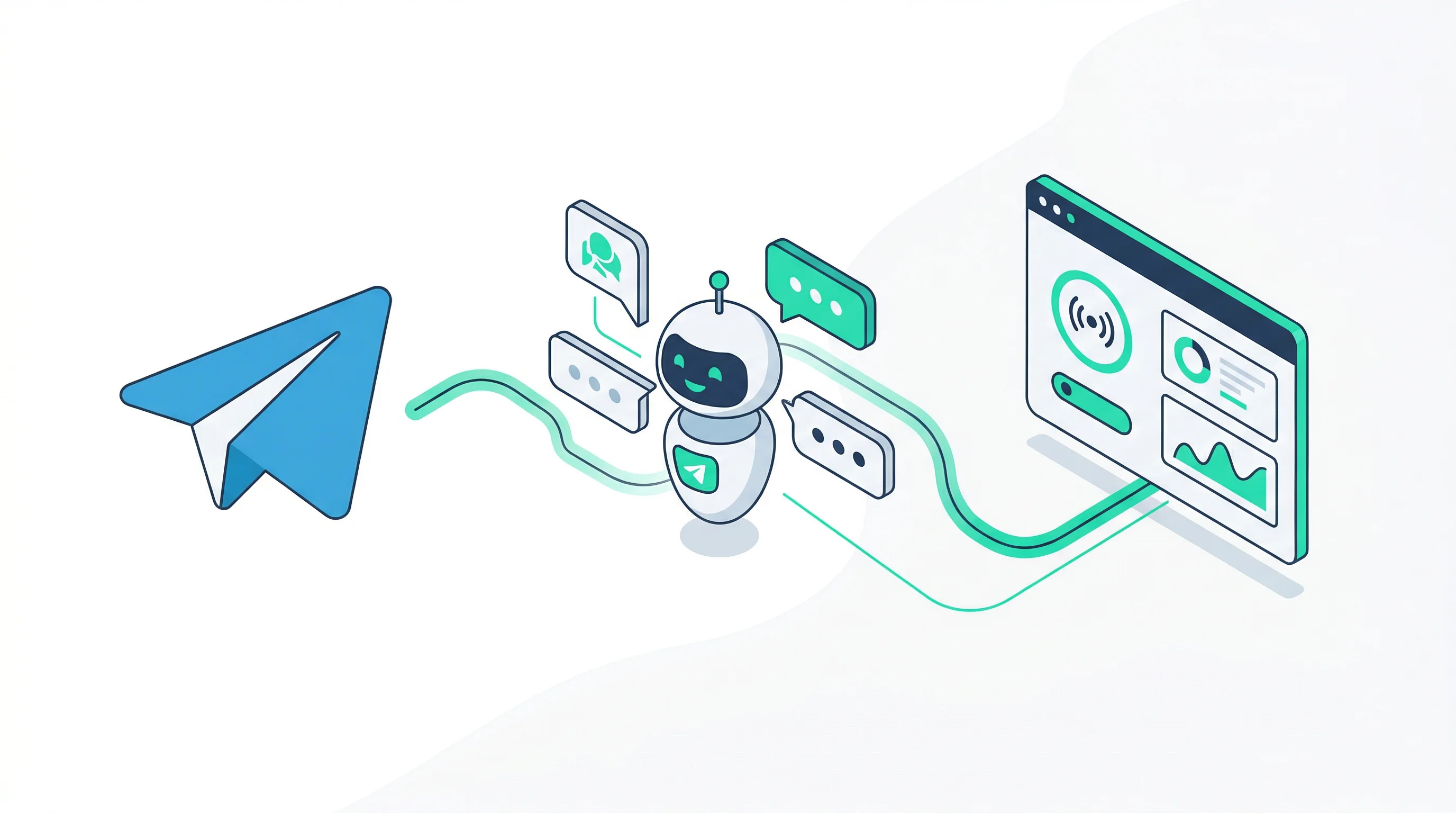
Connect Your AI Agent to Telegram — Complete Setup Guide
Turn your Telegram into an AI-powered assistant in under 5 minutes. Create a bot, paste one token, and start chatting — no server setup required.

Generate & Deploy a WordPress Theme with AI — No Coding Required
Use an AI agent to generate a custom WordPress theme from a single prompt, preview it live, and deploy to AWS Lightsail — all from a dashboard.
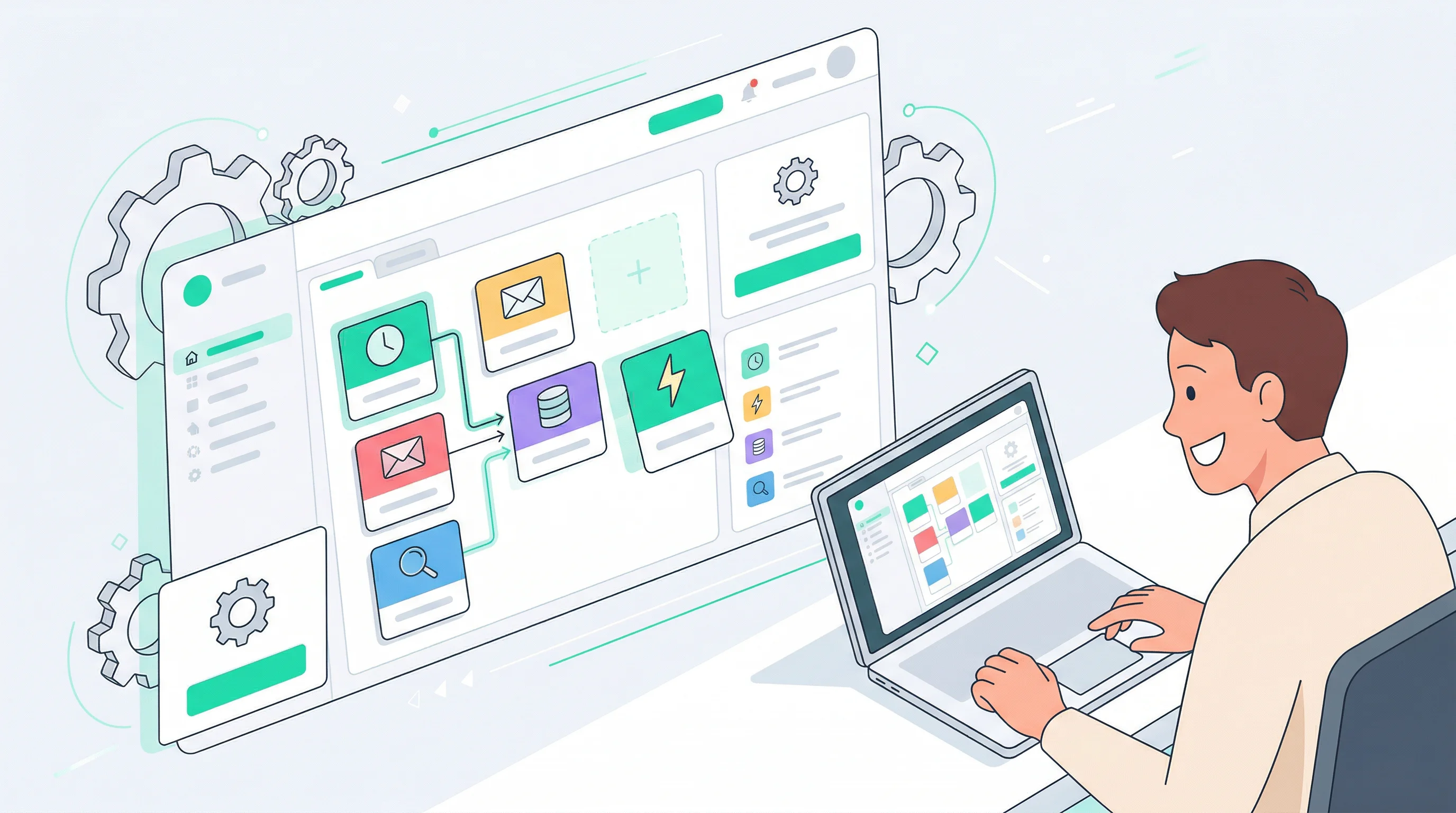
No Code Required: 5 Ways to Automate Your Work with OpenClaw
You don't need to be a developer to use OpenClaw. Here are 5 practical things you can automate today — all from a dashboard, no terminal required.

ChatGPT vs OpenClaw: Chat Tool vs Personal AI Agent
ChatGPT is great for conversations. But what if you want an AI that works for you 24/7, connects to your apps, and remembers your preferences? That's OpenClaw.

What is OpenClaw? A Complete Guide for Non-Technical Users
OpenClaw is an open-source AI agent with 270K+ GitHub stars. Here's what it does, why developers love it, and how you can use it without touching a terminal.
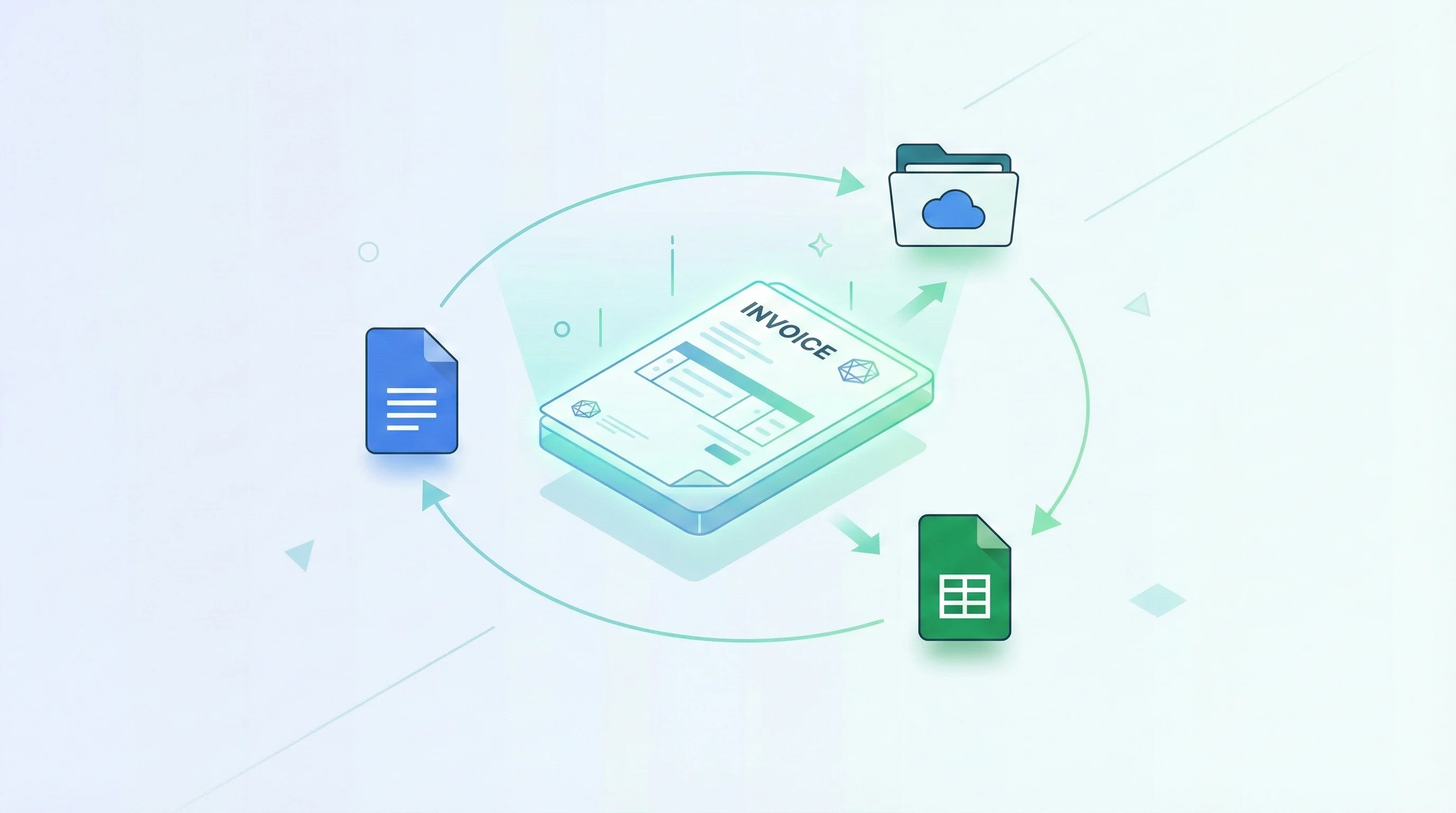
Automate Your Invoices with AI — Google Docs, Drive, and Sheets
Stop copy-pasting invoice details into spreadsheets. Let your AI agent create invoices in Google Docs, file them in Drive, and track every payment in Google Sheets.

Connect WordPress to Your AI Agent
Let your OpenClaw agent publish posts, manage pages, and even handle WooCommerce — all through natural conversation.

Why Your AI Agent Is Burning Through Tokens (And How to Fix It)
A single conversation can balloon to 424,000 input tokens without you realizing it. Here's what causes token bloat in AI agents and how context pruning brings it back under control.
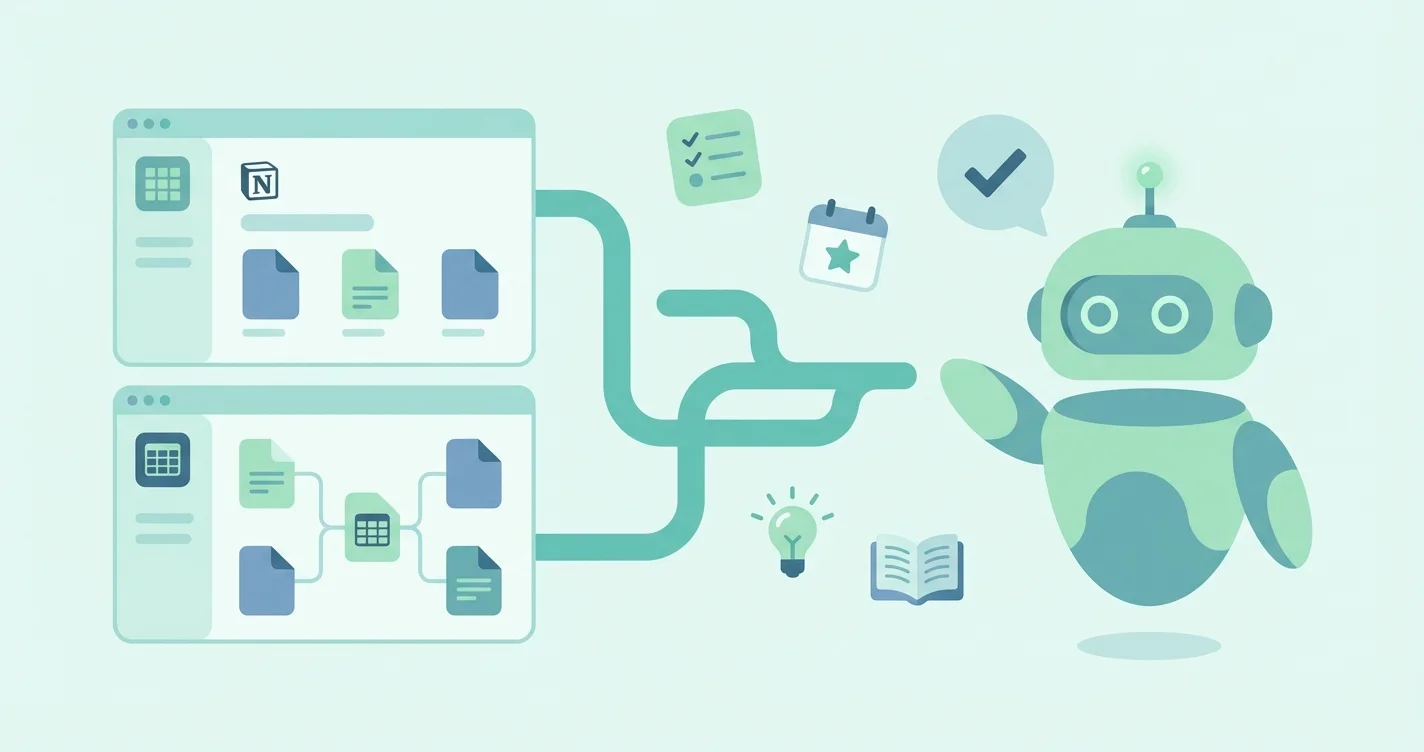
Turn OpenClaw Into Your Personal Notion Assistant
Stop spending hours organizing Notion. Just tell your AI what to do — create pages, update tasks, and find anything in seconds.
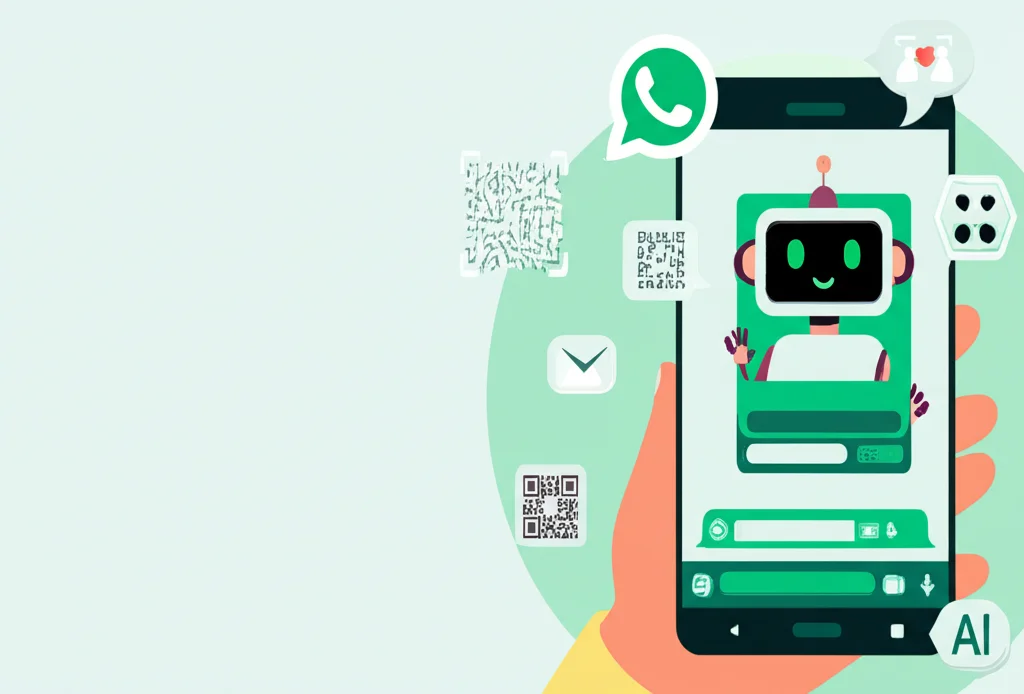
Connect OpenClaw to WhatsApp in 5 Minutes (No Server Required)
Turn your WhatsApp into an AI-powered assistant by scanning a single QR code. No terminal, no server setup, no API tokens — just scan and chat.

How to Deploy OpenClaw on Fly.io (Step by Step)
A complete walkthrough for self-hosting OpenClaw on Fly.io — from creating your app and configuring secrets to connecting messaging channels. Compare self-managed OpenClaw hosting costs vs. managed alternatives.