Write, Design, and Publish Blog Posts to WordPress — With One Message to Your AI Agent
Your AI agent writes the blog post, generates a cover image, and publishes to WordPress — all from a single conversation. Here's exactly how it works.

OCLauncher Team
Building AI tools that work while you sleep.
Write, Design, and Publish Blog Posts to WordPress — With One Message to Your AI Agent
You have a blog idea. So you open Google Docs and draft a post. Then you switch to Canva to make a cover image. Then you open WordPress, paste the content in, upload the image, set the featured image, add categories and tags, write an excerpt, and hit publish. An hour later, one post is live.
What if you told your AI agent the topic and came back to a published post?
That is what OCLauncher does. One conversation. Three capabilities. Published post.
How It Works — Three Steps, One Conversation
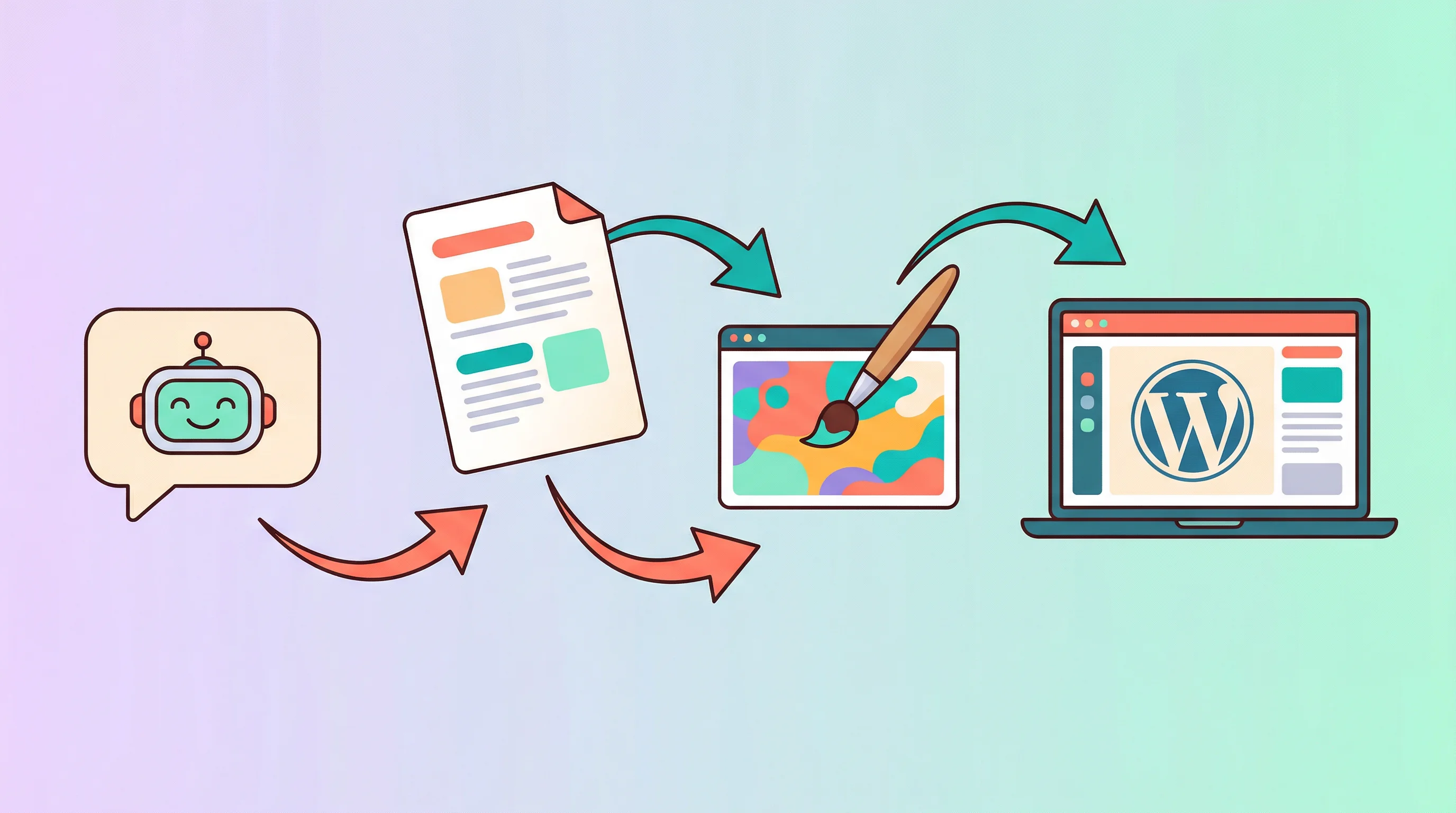
Your agent handles the full workflow: writing, image generation, and publishing. You stay in one chat window the entire time.
Step 1 — Your Agent Writes the Post
Tell the agent what you want to write about. Be specific about tone, length, and structure — or keep it loose and let the agent fill in the details.
“Write a 1,000-word blog post about 5 morning habits that boost productivity. Conversational tone, subheadings for each habit, end with a summary.”
The agent writes full formatted content — headings, lists, links, bold text — not a plain text draft you need to reformat. The output is ready for WordPress as-is.
You can adjust anything before publishing. Ask for a shorter intro, a different opening hook, or an extra section. The agent edits in place and shows you the updated version.
Step 2 — Your Agent Generates the Cover Image
No stock photos. No Canva. Your agent generates a custom cover image using Nano Banana 2 — a Gemini-powered image generation capability built into every OCLauncher instance.
“Generate a cover image for this post — a warm sunrise over a desk with a coffee cup and notebook, illustration style, bright colors.”
The agent creates the image and shows you a preview. Not happy with it? Ask for changes — a different color palette, a more minimal style, a wider aspect ratio. Iterate until it looks right.
Nano Banana 2 is included with your OCLauncher instance out of the box. No extra installs, no API keys to configure, no external accounts to create.
Step 3 — Your Agent Publishes to WordPress
Once the content and image are ready, tell the agent to publish.
“Publish this to my WordPress site with the cover image as featured image. Category: Productivity. Tags: morning-routine, habits.”
The agent uploads the cover image to your WordPress media library, sets it as the featured image, assigns the category and tags, writes the excerpt, and publishes the post. You get back a confirmation with the live URL.
Haven’t connected WordPress yet? Our setup guide takes two minutes.
The Full Conversation — Start to Finish
Here is what a real conversation looks like, start to finish.
That is the entire workflow. Idea to published post. No switching apps, no uploading files, no WordPress editor.
Why This Is Different From ChatGPT
ChatGPT writes a draft. It lives in a browser tab. You still copy it to WordPress, find an image, upload it, set metadata, and publish. ChatGPT gives you the text — you do everything else.
Your OCLauncher agent writes the post, generates the image, and publishes it. The draft never lives in a browser tab. It goes straight from the conversation to your WordPress site.
ChatGPT gives you 60% of the work. Your agent does 100%.
For a deeper comparison: ChatGPT vs OpenClaw.
Works Where You Already Are
Your agent is available on WhatsApp, Telegram, Discord, and web chat. You are not locked into a single interface.
In a taxi with a post idea? Send a WhatsApp message. The post is published before you arrive. Sitting at your desk? Use the web chat for a longer editing session. The same agent, the same capabilities, wherever you are.
You Stay in Control
The agent asks for confirmation before publishing. It shows you the draft, the image, and the metadata before anything goes live.
You can request edits at any point — rewrite the intro, swap the cover image, change the category. You can also ask the agent to save as draft instead of publishing, so you can review in wp-admin before making it public.
If you have multiple WordPress sites connected, the agent asks which one you want to publish to. No accidental posts to the wrong site.
Automate It — Scheduled Posts on Autopilot
You do not have to start each post manually. Set up a recurring schedule and your agent collects information, writes, and publishes on its own.
“Every Monday at 9 AM, search for the top 5 AI news stories from the past week, write a summary post, generate a cover image, and publish it to my blog as a draft.”
The agent runs on a schedule using OCLauncher’s built-in cron system. It gathers data, writes the post, generates the image, and either publishes or saves as draft — whatever you configured. You wake up to a finished post waiting for your review.
This works for any recurring content: weekly roundups, industry news digests, product update logs, or curated link posts. Set it once, and your blog stays active without you touching it.
Get Started in Under 10 Minutes
- Sign up for OCLauncher — your AI instance deploys in 30 seconds
- Connect WordPress — enter your site URL and Application Password (setup guide)
- Image generation is built in — Nano Banana 2 is ready to use on every instance
- Start a conversation — tell your agent what to write
Four steps. No code. No terminal.
Want to go further? Your agent can also generate and deploy a full WordPress theme.
Try It
OCLauncher is available for $19/month with 3M tokens — cancel anytime. Connect your WordPress site and publish your first AI-written post with a generated cover image today.
Stop writing, designing, and publishing separately. Start doing all three in one conversation.