Generate & Deploy a WordPress Theme with AI — No Coding Required
Use an AI agent to generate a custom WordPress theme from a single prompt, preview it live, and deploy to AWS Lightsail — all from a dashboard.

OCLauncher Team
Building AI tools that work while you sleep.

Generate & Deploy a WordPress Theme with AI — No Coding Required
There are thousands of WordPress themes. Free ones, premium ones, multipurpose ones, niche ones. And somehow, none of them do exactly what you want.
You find a theme that is close. The layout is right but the colors are wrong. You try to customize it and discover you need to edit PHP templates, write CSS overrides, and understand WordPress’s template hierarchy. Two hours later you are reading Stack Overflow threads about functions.php hooks and wondering why you started this project.
Page builders like Elementor and Divi solve part of the problem — you can drag and drop a layout together without code. But now your site depends on that builder plugin. Remove it and your pages break. You are locked in.
What if you could just describe the theme you want in plain language, see it running in your browser, and deploy it to real hosting when you are ready?
What You Get — Real Theme Code, Not a Page Builder
When you ask your OpenClaw agent to build a WordPress theme, it generates actual WordPress theme files — style.css, functions.php, template files like header.php, footer.php, index.php, page.php, and everything else a standard theme needs.
This is not a layout inside someone else’s editor. It is a standalone theme package that follows WordPress conventions. You can:
- Install it on any WordPress site — no proprietary plugins required
- Edit it later — any WordPress developer can read and modify the code
- Switch hosts freely — the theme travels with you, no vendor lock-in
- Submit it to the WordPress theme directory — it is standard theme code
Tools like SeedProd, ZipWP, and Divi AI produce layouts that live inside their editors. Remove the plugin and the layout disappears. OpenClaw gives you the source files. The theme is yours.
How It Works — From Prompt to Live Site
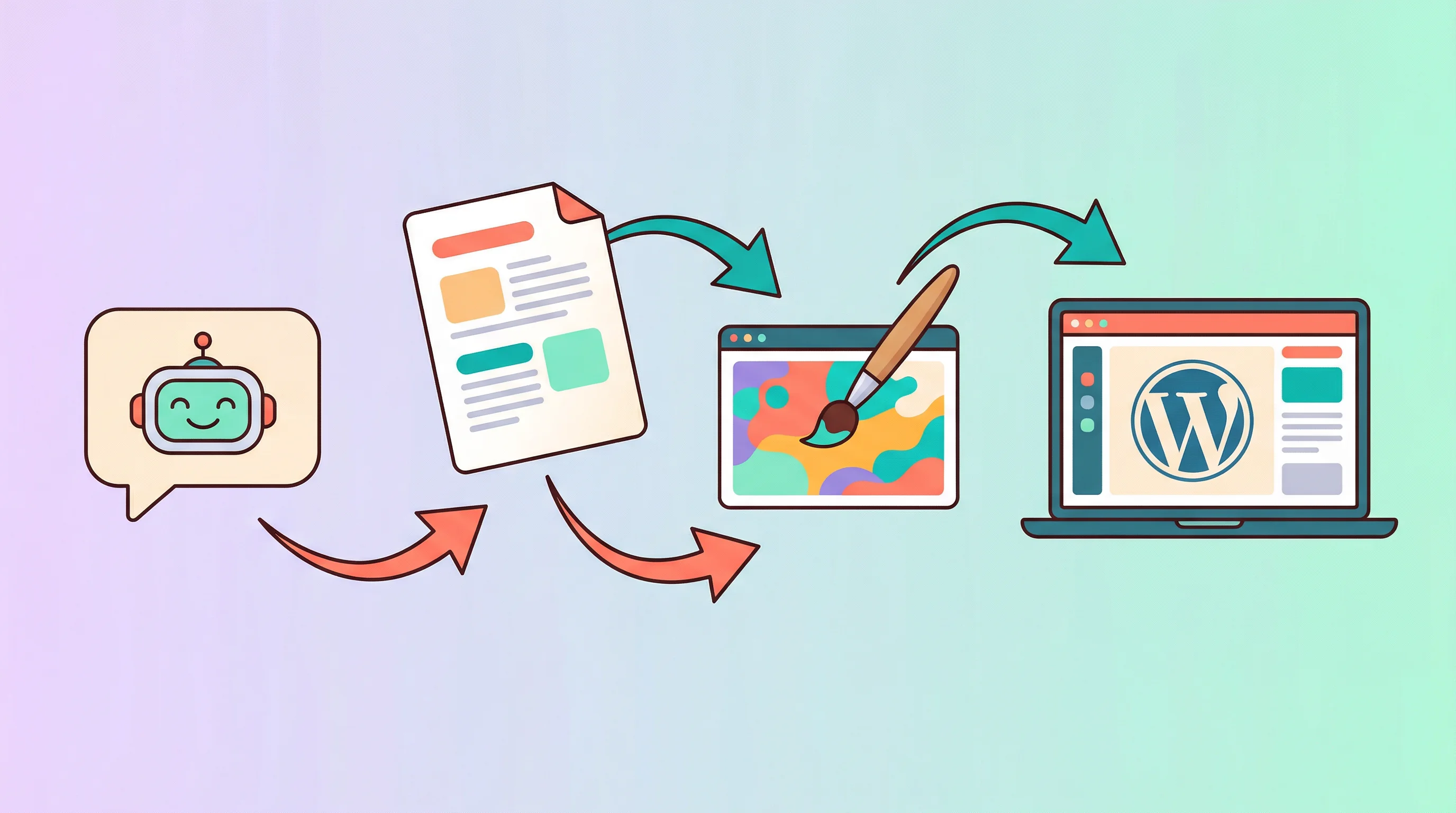
The entire flow has three phases:
- Describe your theme in plain language
- Preview it in your browser — free, no server needed
- Deploy to AWS Lightsail when you are ready
Each phase is a conversation with your agent. No command line, no file uploads, no FTP clients.
Phase 1 — Describe Your Theme
Open your OCLauncher chat and tell your agent what you want. Be as specific or as vague as you like — the agent will ask follow-up questions if it needs more detail.
“Build me a WordPress theme for a café website. Use warm earthy tones — brown, cream, and terracotta. I want a hero section with the shop name and a background image, a menu page that displays items in a grid, an about page with the story of the shop, and a contact page with a form.”
The agent creates the full theme file structure: style.css with your color scheme, functions.php with navigation and widget support, template files for each page type, and an assets/ directory for any custom styles or scripts.
You can also start simpler:
“Create a minimal blog theme with a sans-serif font, white background, and a single-column layout.”
The agent adjusts to whatever level of detail you provide.
Phase 2 — Live Preview in Your Browser
Once the agent finishes generating your theme, it creates a preview link. Click it and you see your theme running inside WordPress Playground — a browser-based WordPress environment that requires no server, no installation, and no cost.
This is a real WordPress instance running in your browser. You can navigate between pages, test the responsive layout, and see exactly how your theme looks and behaves.
Not happy with something? Tell the agent:
“Make the header font larger and bolder.”
“Change the accent color from terracotta to coral.”
“Add a sidebar to the blog page with recent posts and categories.”
“The footer needs social media icons — Instagram, Facebook, and Google Maps.”
The agent edits the theme files, regenerates the preview, and you refresh to see the changes. This back-and-forth loop costs nothing — no Lightsail instance is running, no hosting fees are accumulating. Iterate as many times as you want until the theme looks right.
Phase 3 — Deploy to AWS Lightsail
When you are happy with the theme, it is time to put it on a real server.
- Go to your OCLauncher Dashboard → Plugins → WordPress → Provision New Instance
- Pick a region — Singapore, Hong Kong, Virginia, Ireland, and others are available
- Choose a plan — starting from $6/month for a single-site instance
- Click provision
OCLauncher handles everything behind the scenes: creating the Lightsail instance, assigning a static IP, installing WordPress, setting up admin credentials, and configuring the server. You get back a running WordPress site with login details.
Now tell the agent:
“Deploy the café theme to my WordPress instance.”
The agent packages the theme, uploads it to your Lightsail instance, and activates it. Your site is live at the public IP within minutes. Point a domain at it and you have a production website.
What Your Agent Built
Here is what a typical generated theme contains:
- style.css — Theme metadata and all custom styles (colors, typography, layout, responsive breakpoints)
- functions.php — Theme setup: navigation menus, widget areas, featured image support, enqueued styles
- header.php — Site header with navigation
- footer.php — Site footer with widgets and copyright
- index.php — Main template for the blog listing
- page.php — Template for static pages
- single.php — Template for individual blog posts
- 404.php — Custom “page not found” template
- assets/ — Additional CSS, JavaScript, or image files
This is standard WordPress theme code. No proprietary runtime, no required plugins, no dependencies beyond WordPress itself. A freelance developer can open these files and understand them immediately.
Managing Your Site After Deployment
Your Lightsail instance is a full WordPress site. To give your agent ongoing access for content management, connect the WordPress integration using an Application Password — we cover the setup in Connect WordPress to Your AI Agent.
Once connected, your agent can:
- Publish blog posts and update pages
- Moderate comments
- Manage WooCommerce products and orders
- Install plugins
And because the agent generated the theme, it understands the structure. You can request updates:
“Add a testimonials section to the homepage with three rotating quotes.”
“Create a new page template for team members with a photo grid.”
The agent edits the theme files and redeploys. No need to learn PHP or dig through template files yourself.
Why Not Just Use a Page Builder?
| OpenClaw + OCLauncher | Page Builders (SeedProd, Elementor, Divi) | |
|---|---|---|
| Output | Standalone theme code | Layouts locked to the builder plugin |
| Hosting | Your own AWS instance (from $6/mo) | Their platform or your server + plugin license |
| Customization | Describe changes in plain language | Drag-and-drop editor |
| Portability | Export theme, deploy anywhere | Remove plugin and layouts break |
| AI iteration | Chat-based, unlimited revisions | Limited AI features within the editor |
| Ongoing cost | Hosting only | Hosting + annual plugin license ($49-$199/yr) |
Page builders are good tools. But they solve a different problem — they let you arrange pre-built blocks visually. OpenClaw generates the underlying theme code itself, giving you a foundation that does not depend on any third-party plugin to function.
Try It
Create your OCLauncher account — $19/month with 3M tokens, cancel anytime. The preview phase is completely free — you can generate and iterate on themes without provisioning any hosting.
Describe the site you want. Preview it for free. Deploy it when you are ready.