Connect WordPress to Your AI Agent
Let your OpenClaw agent publish posts, manage pages, and even handle WooCommerce — all through natural conversation.

OCLauncher Team
Building AI tools that work while you sleep.
Connect WordPress to Your AI Agent
WordPress powers over 40% of the web, and managing it usually means logging into the admin panel, navigating through menus, and clicking through editors. What if you could skip all of that and just tell your AI agent what to do?
With OpenClaw connected to your WordPress site, you can draft posts, publish pages, moderate comments, and even manage your WooCommerce store — all through plain conversation. No wp-admin, no plugins to configure, no shortcodes to memorize.
What Your Agent Can Do
| Area | Capabilities |
|---|---|
| Posts | Create, edit, publish, list, search, and delete posts. Set categories, tags, excerpts, and status (draft, publish, private). |
| Pages | Create and update static pages — About, Contact, Landing pages. |
| Comments | List and moderate comments. Reply to readers. |
| Media | Browse your media library. |
| Categories & Tags | List existing categories and tags to organize content. |
| WooCommerce | Manage products, orders, customers, and coupons. Pull sales reports and top sellers. |
Everything works through the WordPress REST API using Application Passwords — a built-in WordPress feature that requires zero extra plugins.
What You Need
- A WordPress site running version 5.6 or later (Application Passwords are built-in since 5.6)
- An OCLauncher account with a running instance
- Your WordPress admin username
- HTTPS enabled on your site (required for Application Passwords)
Step 1 — Create an Application Password
- Log into your WordPress admin panel
- Go to Users → Profile (or click your username in the top-right)
- Scroll down to the Application Passwords section
- Enter a name like “OpenClaw” in the New Application Password Name field
- Click Add New Application Password
- Copy the generated password immediately — WordPress only shows it once
The Application Password is a separate credential from your regular login. It only grants REST API access and can be revoked at any time without affecting your normal login.
Step 2 — Connect in OCLauncher
- Open your OCLauncher dashboard
- Click Add Tool and select WordPress
- Fill in three fields:
| Field | Example |
|---|---|
| Site URL | https://myblog.com |
| Username | admin |
| Application Password | The password you just copied |
- Click Connect
OCLauncher validates the credentials by calling your site’s REST API. If the connection succeeds, your site name appears in the Tools list. Credentials are encrypted at rest — they never leave OCLauncher’s infrastructure in plaintext.
Step 3 — Activate the Site
After connecting, toggle the site to Active in your Tools page. This pushes the credentials to your running OpenClaw instance so the agent can use them. You can deactivate at any time to temporarily revoke agent access without deleting the connection.
Step 4 — Start Talking
Your agent now has full WordPress access. Here are some things you can ask:
- “Draft a blog post about our spring collection with a brief intro and three product highlights.”
- “List my last 5 published posts.”
- “Update the About page to mention our new office location in Taipei.”
- “What comments are pending moderation?”
- “Publish the draft titled ‘March Newsletter’.”
- “Show me all posts tagged ‘announcements’ from this month.”
The agent writes HTML content for WordPress, so your posts come out properly formatted with headings, lists, and links — ready to publish or review.
WooCommerce Bonus
If your WordPress site runs WooCommerce, the agent picks it up automatically. No extra setup. You can ask things like:
- “Add a new product: Wireless Earbuds, $49.99, simple product, publish immediately.”
- “Show me this month’s sales report.”
- “Create a coupon code SPRING25 for 25% off, limit 50 uses.”
- “What orders are still processing?”
- “Who are my top 10 customers?”
The agent can read and update products, orders, customers, coupons, and pull sales analytics — essentially giving you a conversational store manager.
Multi-Site Support
You can connect multiple WordPress sites to the same OCLauncher instance. Each site gets its own credentials and toggle. When you ask the agent to do something, it checks which sites are active. If you have more than one, it will ask which site you mean.
This is useful if you manage a personal blog and a client site, or if you run a network of niche sites and want one AI assistant to handle all of them.
Go Further — Write, Design, and Publish in One Conversation
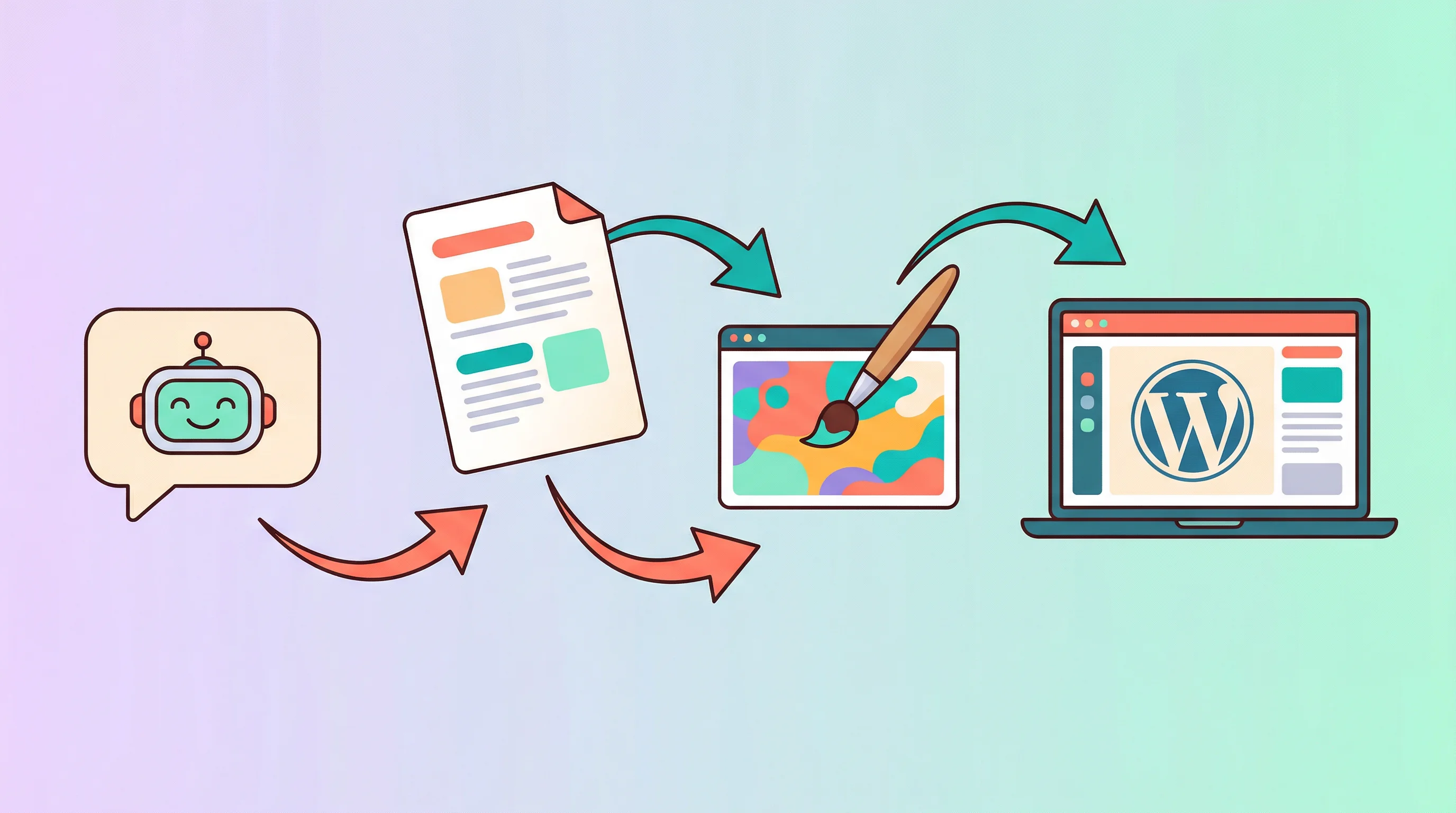
Once connected, your agent can do more than manage existing content. It can write a full blog post, generate a cover image, and publish it to WordPress — all from a single conversation. No switching between apps, no manual uploads.
Try It
Get your own AI agent for $19/month — 3M tokens included, cancel anytime. Connect your WordPress site in under two minutes and start managing it through conversation.
If you prefer to self-host, OpenClaw’s WordPress skill is available on ClawHub for any deployment.
Stop clicking through wp-admin. Start talking to your site.