ChatGPT vs OpenClaw: Chat Tool vs Personal AI Agent
ChatGPT is great for conversations. But what if you want an AI that works for you 24/7, connects to your apps, and remembers your preferences? That's OpenClaw.

OCLauncher Team
Building AI tools that work while you sleep.
ChatGPT vs OpenClaw: Chat Tool vs Personal AI Agent
ChatGPT changed everything. Before November 2022, most people had never had a real conversation with an AI. Now hundreds of millions of people use it every month to write emails, brainstorm ideas, debug code, and answer questions.
But after using ChatGPT for a while, you start noticing the walls. You open a new tab, start a conversation, get your answer, and close the tab. Tomorrow you open a new conversation and start from scratch. It does not know what you asked yesterday. It cannot reach into your calendar. It cannot reply to your WhatsApp messages while you sleep. It waits for you to show up and type something.
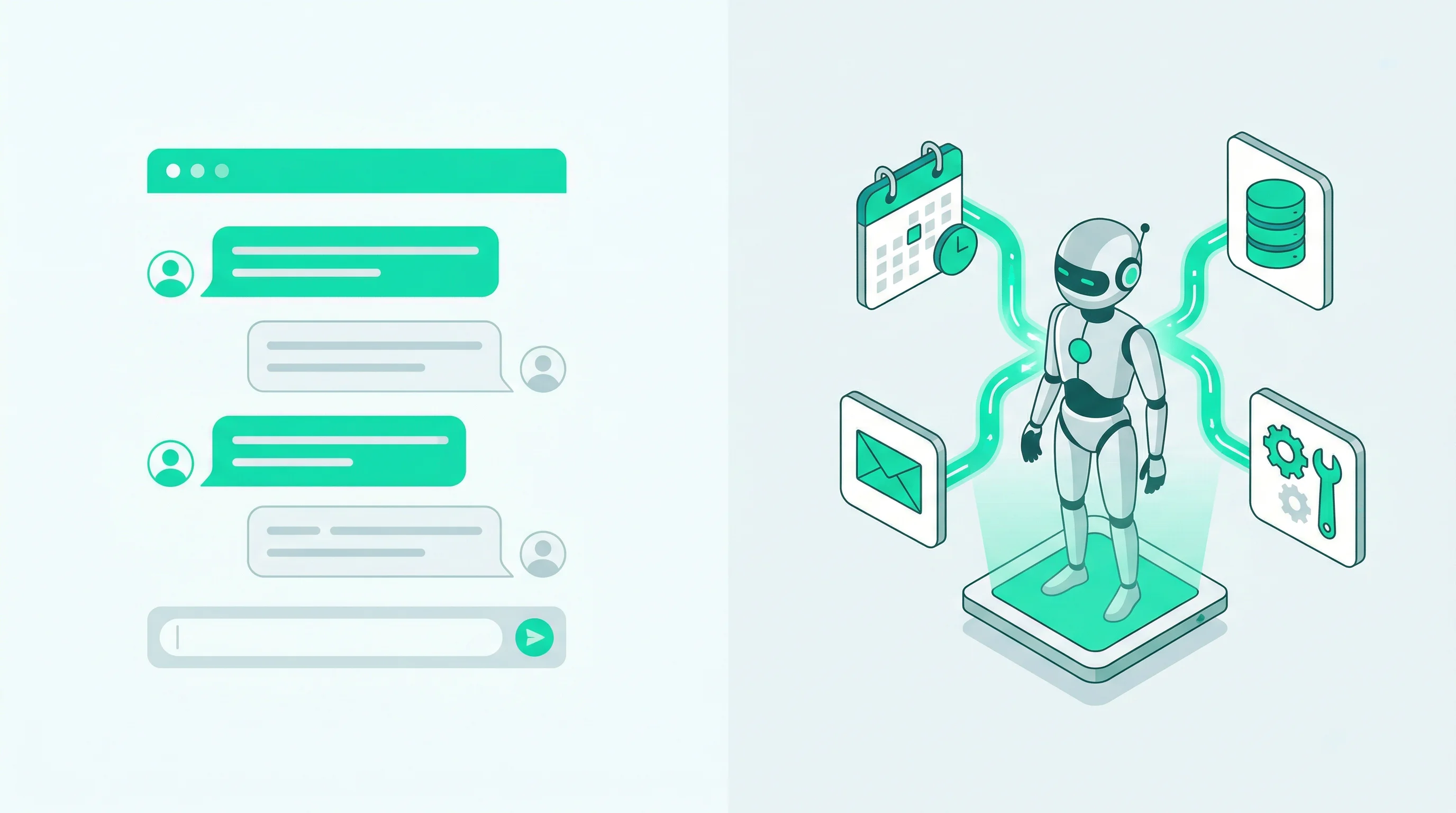
ChatGPT is a chat tool. It is reactive, session-based, and lives in a browser tab.
What if you want something that actually works for you?
What Makes OpenClaw Different
OpenClaw is an open-source AI agent framework with 270K+ GitHub stars. The word “agent” is the key difference. Instead of waiting in a browser tab for you to type something, OpenClaw:
- Runs 24/7 — It is always on, processing messages and executing tasks even when you are not actively using it
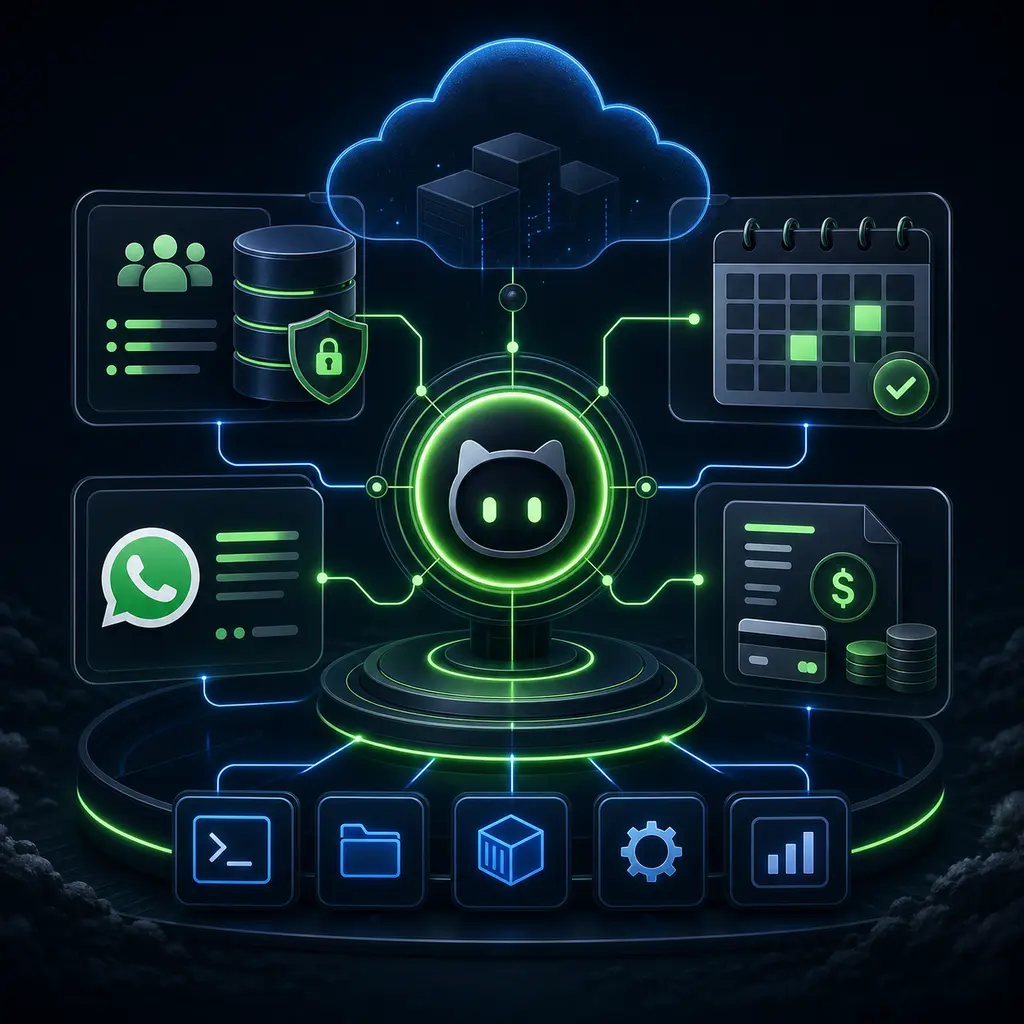
- Connects to your apps — WhatsApp, Telegram, Discord, Slack, Google Calendar, Notion, Gmail, and hundreds more through skills
- Takes actions — It does not just generate text. It creates documents, updates calendars, sends messages, manages files, and runs commands
- Remembers context — Your agent maintains persistent memory across conversations. It knows your preferences, your projects, and your communication style
Think of it as the difference between a search engine and an employee. A search engine answers when you ask. An employee takes initiative, follows up, and handles tasks end to end.
Side-by-Side Comparison
| Feature | ChatGPT | OpenClaw |
|---|---|---|
| Availability | When you open the website/app | 24/7, always running in background |
| Interface | Browser or mobile app | WhatsApp, Telegram, Discord, Slack, web chat — wherever you already are |
| Memory | Conversation-level (resets between sessions) | Persistent across all conversations and channels |
| Actions | Generates text responses | Creates files, updates calendars, sends messages, manages data |
| Integrations | Limited plugins/GPTs | 700+ skills via ClawHub — Google Workspace, Notion, GitHub, smart home, and more |
| Proactive | No — waits for your input | Yes — can monitor, alert, and act on triggers |
| Privacy | Data processed by OpenAI | Self-hosted or managed hosting — your data, your server |
| Model choice | GPT-4o, GPT-4, GPT-3.5 | Any model — Claude, GPT, Gemini, or any provider via OpenRouter |
| Cost model | $20/mo subscription or per-token API | BYOK (pay your provider directly) or platform key included |
| Open source | No | Yes — 270K+ GitHub stars, fully inspectable code |
When ChatGPT Is Not Enough
Here are real scenarios where the chat tool model breaks down and an agent model shines:
Auto-reply while you sleep
You run a small business and customers message you on WhatsApp at all hours. With ChatGPT, those messages sit unanswered until you wake up and manually respond. With OpenClaw connected to WhatsApp, your agent handles them instantly:
Customer: “Hi, do you have the blue model in stock?”
Agent: “Hi! Yes, the blue model is currently in stock. Would you like me to hold one for you, or do you have any other questions?”
No delay. No missed sales. You review the conversations in the morning if you want to, but the customer already got their answer.
Manage your calendar across apps
You are in a Telegram group chat with a colleague and they ask to reschedule a meeting. With ChatGPT, you would switch to Google Calendar, find the event, move it, switch back, and confirm. With OpenClaw connected to Telegram and Google Calendar:
You: “Move my 2pm meeting with Alex to Thursday at 3pm.”
Agent: “Done. Your meeting with Alex has been moved to Thursday, February 27 at 3:00 PM. I’ve updated Google Calendar.”
One message. No app switching.
Monitor and summarize
You want a daily summary of activity in your Discord server, or a weekly digest of emails that need your attention. ChatGPT cannot watch anything — it only runs when you talk to it. OpenClaw can be configured to check in at scheduled intervals and send you a summary:
Agent (via WhatsApp, 9:00 AM): “Good morning. Here’s your daily brief: 3 urgent emails from clients, 12 new Discord messages in #general (2 questions need your input), and you have 4 meetings today starting at 10am.”
Handle repetitive tasks
Every Friday you create a weekly report in Notion with the same template. With ChatGPT, you manually open Notion, duplicate the template, and fill in the details. With OpenClaw:
You: “Create this week’s report.”
Agent: “Done. I’ve created the weekly report for Feb 24–28 in your Notion workspace using the standard template. I’ve filled in the project status from your task board. Here’s the link: […]”
The agent knows your template, knows where your data lives, and does the whole thing in seconds.
The Catch: OpenClaw Needs a Server
OpenClaw is powerful, but it is also a Node.js application that needs to run somewhere 24/7. Self-hosting means setting up a server, installing dependencies, managing uptime, handling updates, and securing your API keys. If you are a developer, this is familiar territory. If you are not, it is a significant barrier.
This is exactly why we built OCLauncher.
OCLauncher Removes the Barrier
OCLauncher is managed hosting for OpenClaw. You get all the agent capabilities without the server administration:
- 30-second deploy — Sign up, click deploy, your agent is running. No terminal required.
- Dashboard for everything — Connect channels, install skills, configure your agent, chat through the browser — all from a web interface.
- Isolated sandbox — Your own dedicated environment with 8GB persistent storage and AES-256-GCM encrypted API keys.
- Automatic updates — Runtime updates are pushed automatically. You always run the latest stable version.
- Model flexibility — Bring your own API key (Anthropic, OpenAI, Google) or use the platform-provided Google Gemini key.
- Skills marketplace — Browse and install integrations with one click. Google Workspace, Notion, WordPress, and more.
The pricing is $19/month with no per-message fees and no token markup on BYOK usage.
Making the Switch
If you are currently using ChatGPT and want to try the agent approach, the transition is straightforward. You are not replacing ChatGPT — you are adding a layer on top that does things ChatGPT cannot do.
Start with one channel. Connect WhatsApp and try asking your agent to do something from your phone. Once you see the difference between typing into a browser tab and sending a message that triggers real actions, the value becomes obvious.
If you want practical ideas for what to automate first, check out 5 things you can do with OpenClaw without writing code.
Try It
Ready to try the difference? Get OCLauncher for $19/month with 3M tokens included. Set up your personal AI agent in under five minutes and see what happens when your AI can do more than just talk.