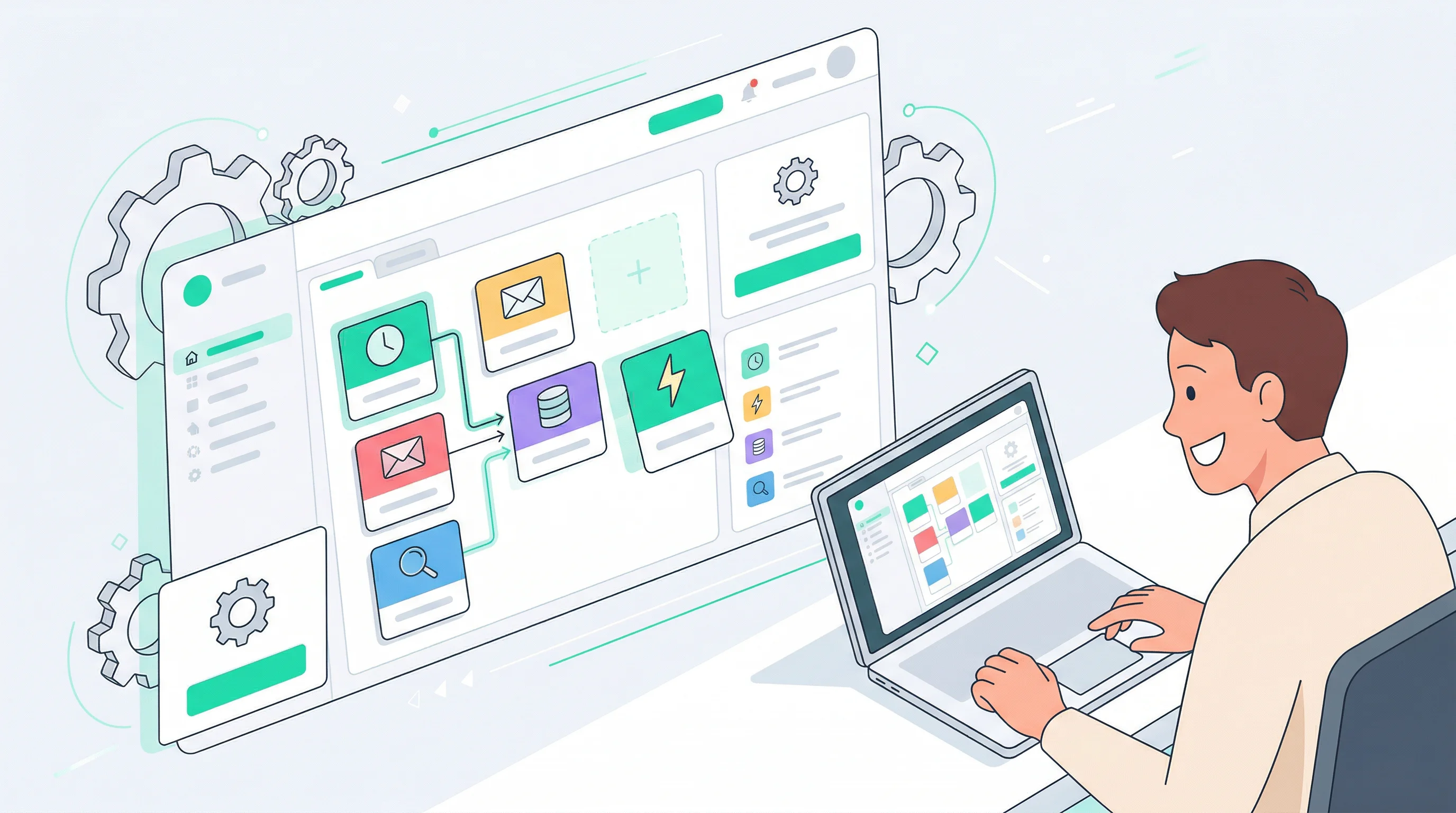
Turn OpenClaw Into Your Personal Notion Assistant
Stop spending hours organizing Notion. Just tell your AI what to do — create pages, update tasks, and find anything in seconds.

OCLauncher Team
Building AI tools that work while you sleep.
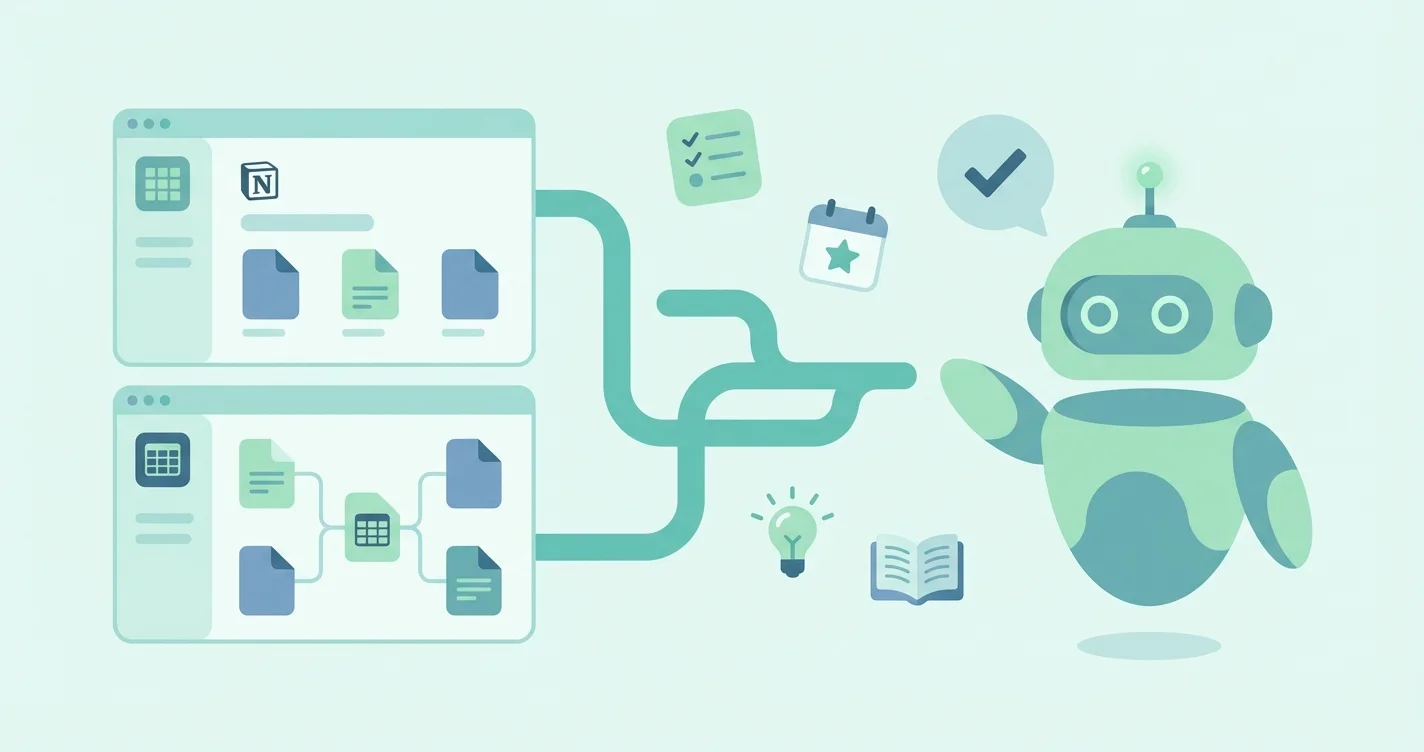
Turn OpenClaw Into Your Personal Notion Assistant
Notion is where your work lives. Meeting notes, project boards, content calendars, client trackers, reading lists — it all ends up in Notion. The problem is that organizing all of it takes almost as much time as the actual work. You open Notion to add a quick note, and twenty minutes later you are still adjusting properties, moving pages into the right database, and tagging things you will never search for.
What if you could just tell someone to do it for you?
That is exactly what OpenClaw does when you connect it to your Notion workspace. It becomes an AI assistant that can read, create, update, and search your Notion — all through plain conversation. No formulas, no automations to build, no templates to configure. Just say what you need.
What Your AI Assistant Can Do
Here are some things you can tell your OpenClaw assistant and what happens:
Capture ideas instantly “Add ‘podcast episode about AI productivity tools’ to my Content Ideas database.” → A new entry appears in your database with the title filled in, ready for you to expand later.
Manage tasks without opening Notion “What tasks are assigned to me this week?” → You get a summary pulled straight from your task board. “Mark the blog post draft as done.” → Updated.
Find anything you have written “What did I write about pricing strategy last month?” → OpenClaw searches your workspace and pulls up the relevant pages with a summary of what they contain.
Create structured content “Create a meeting notes page for today’s product sync with Sarah and James. Add sections for decisions, action items, and follow-ups.” → A fully formatted page appears in your meeting notes database.
Organize in bulk “Tag all pages in my Projects database created this quarter with ‘Q1 2026’.” → Done in seconds, instead of clicking through dozens of pages one by one.
The key difference from Notion’s built-in AI: OpenClaw works across your databases and pages, handles multi-step operations, and you can talk to it from anywhere — including WhatsApp.
Getting Connected
Connecting Notion to your OCLauncher instance takes three steps:
Create an integration in Notion — Open Notion Settings, go to Connections, and create a new internal integration. Notion gives you a token. This takes about 30 seconds.
Paste the token in your dashboard — In the OCLauncher dashboard, go to Integrations, select Notion, and paste the token. OCLauncher encrypts it immediately.
Share the pages you want the AI to access — In Notion, open any page or database you want the AI to work with and share it with your integration. You choose exactly what the AI can see — nothing more.
No coding. No terminal. No config files. The whole process takes less time than organizing a single Notion page.
Real Workflows People Love
Meeting notes on autopilot
After your morning standup, tell OpenClaw what was discussed: who attended, what decisions were made, what the action items are. It creates a formatted page in your meeting notes database with everything organized. By the time you are in your next meeting, the notes from the last one are already filed away.
A reading list that manages itself
Send your assistant a book title, and it creates a page with the author, genre, and a short description pulled from the web. When you finish reading, just say “Mark ‘Thinking, Fast and Slow’ as finished and rate it 4 stars.” Your reading tracker stays up to date without you ever opening it.
Client tracker for freelancers
“Add a new client: Acme Corp, website redesign, starting March 1st.” Your client database gets a new entry with all the details. Later, ask “What is the status of the Acme project?” or “Which clients have outstanding invoices?” and get instant answers without scrolling through databases.
Weekly review assistant
Every Sunday, ask OpenClaw: “Summarize what I accomplished this week based on my task database.” You get a clear overview of completed tasks, ongoing projects, and anything that slipped through the cracks — perfect for planning the week ahead.
Research companion
Collecting information for a project? Send links, quotes, and notes to your assistant throughout the day. It files everything into your research database, organized by topic. When you are ready to write, ask for a summary of everything you have collected, and it is all there in one place.
The WhatsApp + Notion Combo
Here is where it gets really powerful. If you have connected OpenClaw to both WhatsApp and Notion (and WhatsApp takes just one QR scan), you can update your Notion from anywhere using your phone.
On a bus and have a great idea? WhatsApp it to your assistant. It is in your Notion database by the time you get home. Leaving a meeting? Voice-note a quick summary. OpenClaw transcribes it and creates a formatted meeting notes page.
This is the real advantage of OCLauncher’s multi-channel architecture — your AI assistant is not locked into one app. It lives wherever you are, and everything flows into the systems you already use.
Your Data, Your Control
Notion’s integration model is privacy-first by design. Your assistant can only access pages you explicitly share with it — it cannot browse your entire workspace. The integration token is stored encrypted in OCLauncher, and you can revoke access at any time from Notion’s settings. Your data is never used for model training.
Try It
Try OCLauncher at $19/month with 3M tokens — cancel anytime. Connect Notion in under a minute and start talking to your workspace right away.
If you prefer to self-host, OpenClaw’s Notion skill is available on ClawHub for any deployment.
Spend less time organizing. Spend more time doing.