Mini Apps: Your AI Agent Can Build Interactive Tools For You
Ask your agent to create trackers, dashboards, timers, and forms — no coding needed. They persist data, match your theme, and live on your dashboard.

OCLauncher Team
Building AI tools that work while you sleep.

Mini Apps: Your AI Agent Can Build Interactive Tools For You
Your OCLauncher agent does more than answer questions. It can build interactive tools that live on your dashboard — trackers, dashboards, timers, forms, and anything else that fits on a single page. You describe what you want in plain language, the agent builds it, and it persists with your data across sessions and restarts.
How It Works
The process takes three steps:
Ask your agent — through any channel (WhatsApp, Telegram, Discord, web chat, or the dashboard itself). Say something like “Build me an expense tracker” or “Create a habit tracker for exercise, reading, and meditation.”
The agent creates the app — it scaffolds the HTML, adds a themed UI that matches the platform, and wires up persistent storage so your data survives page refreshes and instance restarts.
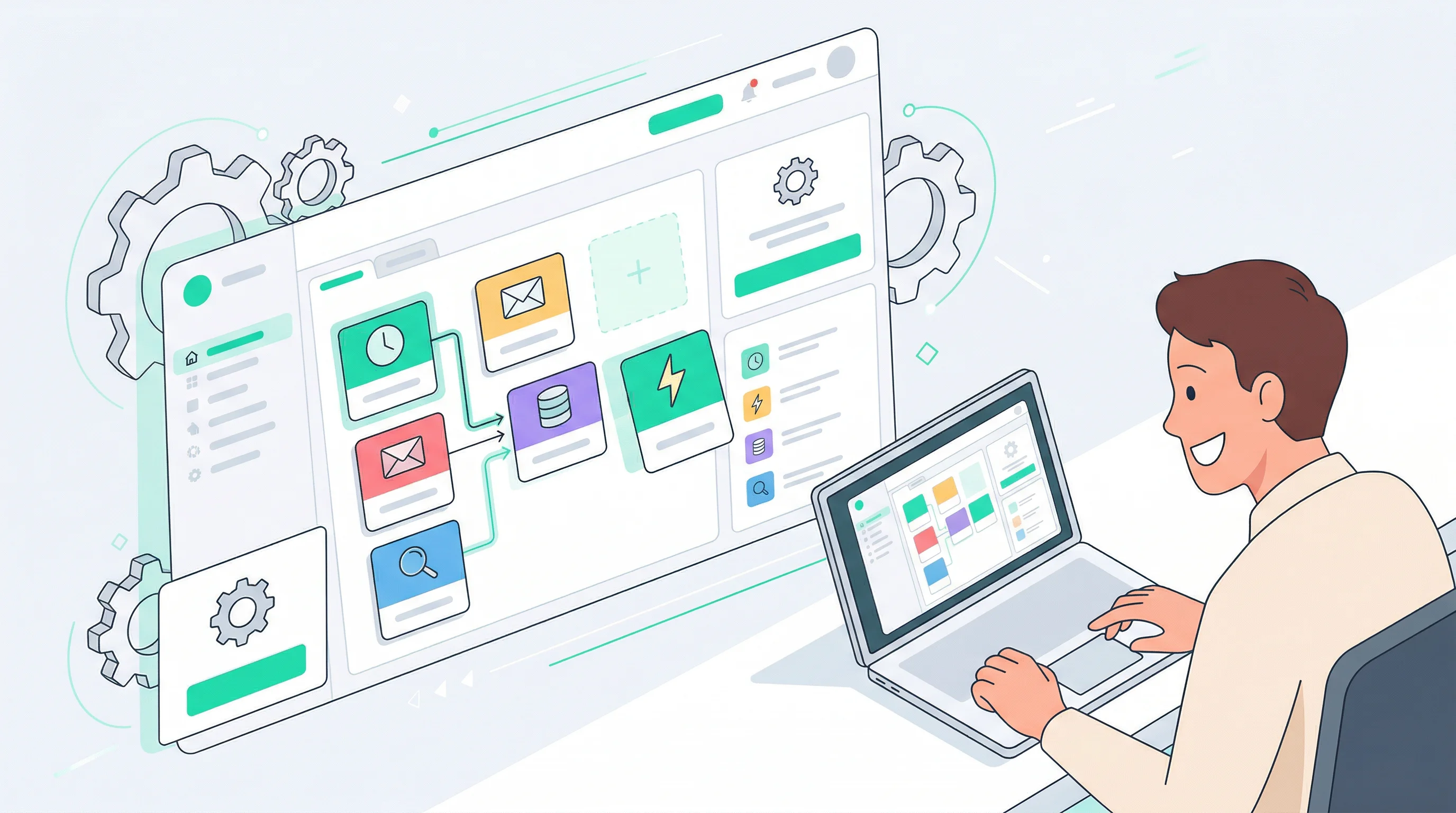
Find it on your dashboard — go to the Mini Apps page. Your new app appears as a card. Pin it, rename it, change its icon, open it fullscreen, or launch it in a new browser tab.
No coding. No configuration files. No deployment steps.
5 Things You Can Build Today
Expense Tracker
“Build me an expense tracker with categories and monthly totals.”
The agent creates a form for adding entries with amount, category, and date. A data table shows your history, and stats cards display totals per category and per month. All your entries persist — close the tab, come back tomorrow, and everything is still there.
Project Task Board
“Make a kanban board for my product launch.”
Three columns — To Do, In Progress, Done — with the ability to add cards and move them between columns. Great for solo project management when you want something lighter than a full project management tool. Your board state persists across sessions.
Daily Habit Tracker
“Create a habit tracker for exercise, reading, and meditation.”
A checkbox grid organized by day, with streak counters that show how many days in a row you have completed each habit. A calendar view shows your completion history at a glance. Check off today’s habits and watch your streaks grow.
Client Feedback Dashboard
“Set up a dashboard where you collect and display customer feedback.”
The agent creates a mini app that renders feedback data as summary stats and a sortable table. You can ask the agent to write new feedback entries to storage through scheduled tasks or manual messages, and the dashboard always shows the latest data.
Pomodoro Timer
“Build a pomodoro timer with 25-minute focus sessions and a session log.”
A countdown timer with start, pause, and reset controls. When a session completes, a toast notification lets you know. A session history table tracks how many focus sessions you have completed each day, with daily stats so you can see your productivity trends.
Built-In Features
Every mini app comes with features built into the platform:
- Persistent storage — each app can store up to 100 keys, with each value up to 1 MB. Data survives page refreshes and instance restarts.
- Dark-themed UI — apps are styled to match the platform’s Mission Control theme out of the box.
- Pin favorites — pin frequently-used apps so they always appear at the top of your list.
- Inline editing — edit the title, description, and icon directly from the dashboard card.
- Fullscreen mode — expand any app to fill the screen for focused use.
- New tab — open any app in a standalone browser tab.
- Storage inspector — see exactly what data an app is holding, key by key.
Get Started
Start building with OCLauncher — $19/month, 3M tokens, cancel anytime. Launch your instance, open any messaging channel, and ask your agent to build something. Your first mini app is one message away.