What is OpenClaw? A Complete Guide for Non-Technical Users
OpenClaw is an open-source AI agent with 270K+ GitHub stars. Here's what it does, why developers love it, and how you can use it without touching a terminal.

OCLauncher Team
Building AI tools that work while you sleep.
What is OpenClaw? A Complete Guide for Non-Technical Users
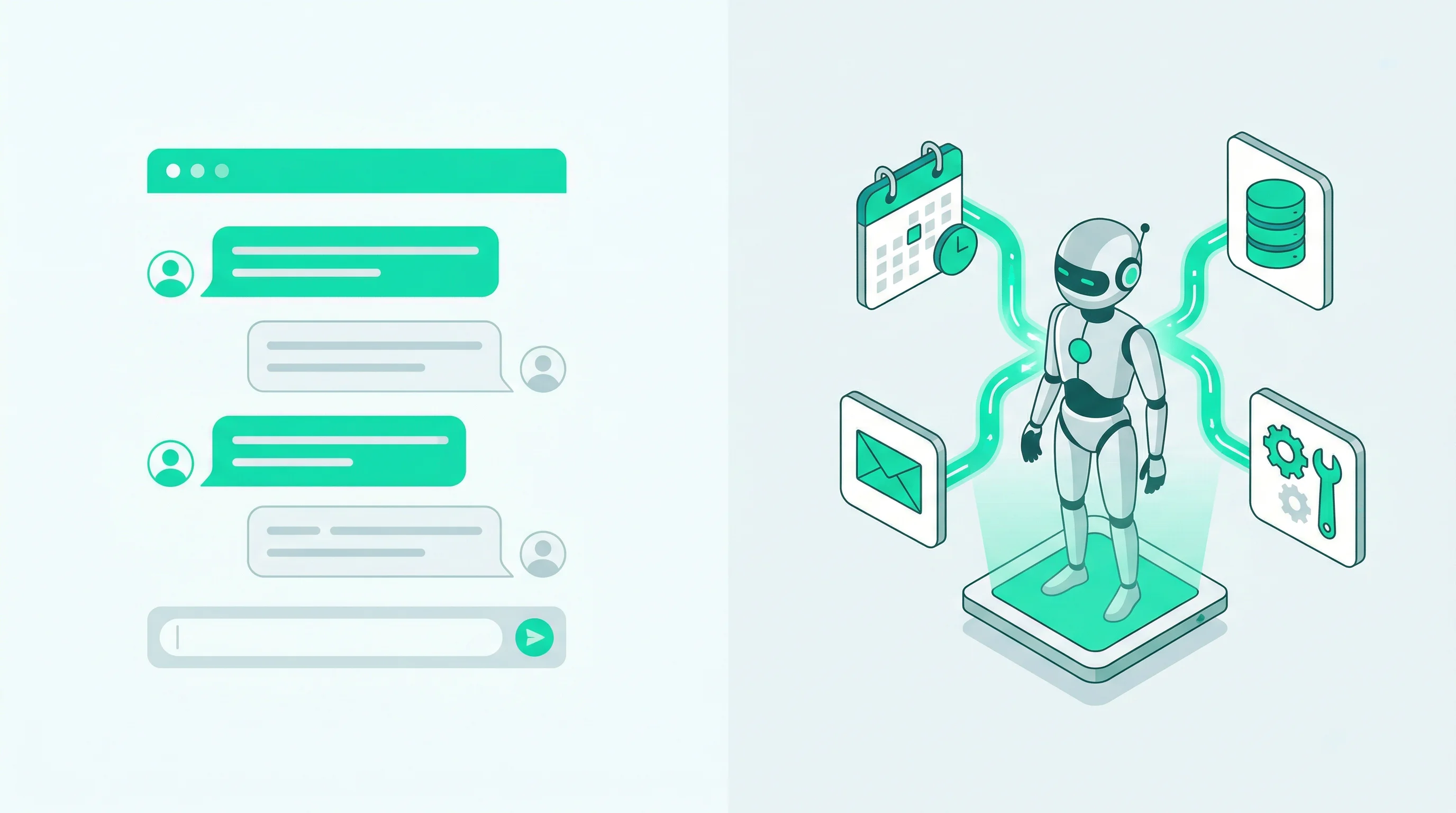
You have probably used ChatGPT, Gemini, or Claude. You type a question, get a response, and the conversation ends when you close the tab. These are chat tools. They are reactive — they wait for you to show up and ask something.
OpenClaw is different. It is an AI agent. That means it does not just answer questions — it takes actions, connects to your apps, and works in the background even when you are not looking at a screen.
Think of it this way: ChatGPT is a reference librarian. OpenClaw is a personal assistant who sits at a desk next to yours, 24 hours a day, with access to your calendar, your email, your messaging apps, and your files.
Why 270K+ GitHub Stars?
OpenClaw is open-source, which means anyone can inspect the code, contribute to it, or run it on their own hardware. It has accumulated over 270,000 stars on GitHub — making it one of the most popular AI agent projects in the world.
Why do developers love it?
- Privacy-first — Your data stays on your server. No conversations are sent to a third party for training or analytics. You control everything.
- Model-agnostic — Use Claude, GPT, Gemini, or any provider through OpenRouter. Bring your own API key (BYOK) or use a platform-provided key. Switch models whenever you want.
- Extensible — OpenClaw supports 700+ skills from ClawHub, covering everything from Google Workspace to smart home control. If a skill does not exist, the community builds one.
- Multi-channel — One agent, many platforms. Connect WhatsApp, Telegram, Discord, Slack, and more. Your agent responds wherever you message it.
The star count is not just vanity. It reflects a large, active community that contributes fixes, skills, and integrations every day. When you use OpenClaw, you benefit from thousands of developers improving the same tool.
What Can It Actually Do?
Here is a sample of what people use OpenClaw for in daily life:
Messaging auto-reply — Connect your WhatsApp or Telegram account. Your agent responds to messages on your behalf — answering questions, handling appointment requests, or providing information to customers while you sleep.
“What time do you close on Saturday?”
Your agent checks your configured business hours and responds instantly, without you lifting a finger.
Schedule management — Connect Google Calendar. Manage your schedule through natural conversation from any messaging app:
“Block 2 hours for deep work tomorrow morning.”
“Move my 3pm with Sarah to Friday at the same time.”
Research and summarization — Ask your agent to look something up and get a concise answer instead of scrolling through ten browser tabs:
“What are the key differences between S Corp and LLC for a freelancer in the US?”
File and document management — Connect Google Drive, Notion, or other workspace tools. Create documents, organize files, and update databases through simple instructions:
“Add a new task to my project board: review the Q1 marketing budget by Friday.”
Community moderation — Deploy your agent as a Discord bot that answers member questions, moderates content, and provides helpful information around the clock.
The common thread is this: instead of you switching between apps and doing repetitive tasks manually, your agent handles them through natural language — from whatever messaging app you already use.
The Self-Hosting Challenge
Here is the catch. OpenClaw is a Node.js application that needs to run on a server 24/7. For a developer, this is straightforward — spin up a VPS, install Node.js, clone the repo, configure environment variables, set up a process manager, and keep everything updated.
For everyone else, that sentence might as well be written in another language.
Self-hosting means:
- You need a server — A cloud VPS from DigitalOcean, AWS, or Fly.io, which costs money and requires setup
- You need Node.js knowledge — Installing dependencies, running builds, debugging errors
- You need to maintain uptime — If the server crashes at 3am, your WhatsApp agent goes offline until you fix it
- You need to handle updates — OpenClaw releases frequently, and keeping up with new versions means pulling code, rebuilding, and testing
- You need to manage security — API keys, authentication tokens, and firewall rules are your responsibility
If you are comfortable with all of that, self-hosting is a great option. We even have a step-by-step guide for deploying on Fly.io.
But if you just want the AI agent without the server administration, there is a simpler path.
OCLauncher: The Zero-Friction Way
OCLauncher is a managed hosting platform built specifically for OpenClaw. It handles all the infrastructure so you can focus on using the agent, not maintaining it.
Here is what you get:
- 30-second deploy — Sign up, click a button, and your OpenClaw instance is running. No terminal, no config files, no SSH.
- Isolated sandbox — Your agent runs in its own dedicated environment with 8GB of persistent storage. Your data is separate from everyone else’s.
- Dashboard UI — Manage everything from a web interface: connect messaging channels, install skills, configure your agent’s personality, and chat through a built-in web interface.
- Encrypted API keys — If you bring your own API key (Anthropic, OpenAI, Google), it is encrypted with AES-256-GCM before being stored. Platform keys are available too if you do not have your own.
- Automatic updates — Runtime updates are pushed to your instance without you doing anything. You always run the latest stable version.
- Terminal access — For advanced users who want it, there is full terminal access to your sandbox right from the browser.
The pricing is $19/month, which covers the dedicated server, persistent storage, and platform infrastructure. No per-message fees, no token markups on BYOK usage.
How to Get Started
The whole process takes about five minutes:
- Sign up at oclauncher.com/signup — cancel anytime
- Launch your instance — click the deploy button and wait about 30 seconds
- Connect a messaging channel — start with WhatsApp (one QR code scan) or Telegram (paste a bot token)
- Configure your agent — set a name, personality, and any specific instructions
- Start chatting — send a message from your phone and watch your agent respond
That is it. No command line, no server setup, no DevOps experience required.
Architecture Overview
Understanding how OCLauncher works under the hood helps explain why it is reliable and why your data stays private.
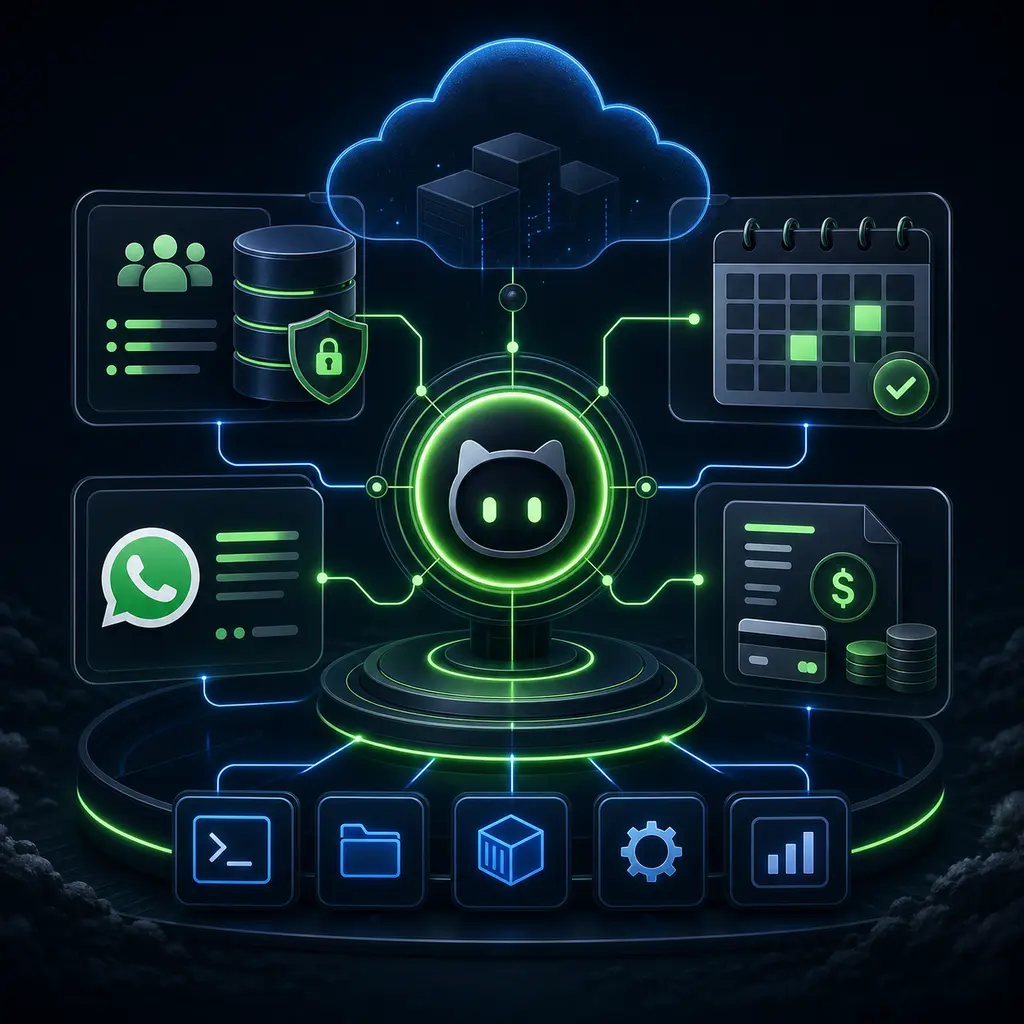
When you launch an instance on OCLauncher, the platform provisions a dedicated virtual machine on Fly.io — a cloud infrastructure provider with data centers worldwide. This is not a shared container or a multi-tenant server. Your agent gets its own isolated machine with its own persistent storage volume.
Inside that machine, three processes run together:
The OpenClaw Gateway is the core AI engine. It handles all conversations, processes incoming messages from your connected channels, calls the LLM provider (Claude, GPT, Gemini, or whichever model you chose), and executes skills. When someone sends a WhatsApp message to your agent, this is the process that reads it, thinks about it, and responds.
The Config Bridge is a lightweight HTTP server that manages your agent’s configuration. When you change a setting in the dashboard — like updating your agent’s name, connecting a new channel, or installing a skill — the dashboard sends a request to the config bridge, which writes the change to a JSON configuration file. OpenClaw watches this file and picks up changes automatically, so most settings take effect without a restart.
The PTY Server provides terminal access for advanced users. If you want to run commands directly inside your sandbox, the browser-based terminal connects through this process. Most users never touch it, but it is there when you need it.
All communication between your browser and these processes flows through the OCLauncher API worker, which runs on Cloudflare’s edge network. The API worker authenticates your session, resolves which Fly machine belongs to you, and proxies the request to the correct process. Your browser never connects directly to the Fly machine — the API worker acts as a secure intermediary.
Your data lives on a persistent volume attached to your Fly machine. Configuration files, installed skills, workspace data, and any files your agent creates are stored there. If the machine restarts, the volume persists. If OCLauncher pushes a runtime update, your data stays intact.
This architecture means your conversations and API keys never pass through OCLauncher’s servers in a way that exposes them. The API worker proxies requests but does not store message content. Your LLM API calls go directly from your Fly machine to the provider. Encryption keys for stored credentials are unique to your instance.
How OCLauncher Compares
There are several ways to get AI assistance today. Here is how OCLauncher fits in relative to the most common alternatives.
vs. ChatGPT and similar chatbots — ChatGPT is a conversation tool. You open a browser tab, type a prompt, and get a response. It does not connect to your messaging apps, it does not run in the background, and it does not take actions on your behalf between sessions. OpenClaw on OCLauncher is an always-on agent. It sits inside your WhatsApp, Telegram, or Discord and responds to messages whether you are at your computer or not. ChatGPT is useful for ad-hoc questions. OCLauncher is useful for ongoing automation — customer replies, scheduling, research tasks that run while you sleep.
vs. building a custom bot — You could hire a developer to build a custom Telegram bot or WhatsApp integration. This gives you full control but costs significantly more — typically thousands of dollars for initial development, plus ongoing maintenance. A custom bot also only does what it was specifically programmed to do. OCLauncher gives you a general-purpose agent with 700+ installable skills, natural language understanding, and the ability to switch LLM providers. For most use cases, a configured OpenClaw agent replaces what would otherwise require custom development.
vs. hiring a virtual assistant — A human virtual assistant costs $500 to $2,000 per month depending on location and skill level. They work fixed hours, need onboarding, and handle one task at a time. An OpenClaw agent costs $19/month, works around the clock, responds in seconds, and handles multiple conversations simultaneously. A human assistant is still better for tasks that require judgment, emotional intelligence, or physical presence. But for routine information retrieval, message handling, scheduling, and data entry, an AI agent handles the volume at a fraction of the cost.
The point is not that OCLauncher replaces all of these options. It fills a specific gap: autonomous, always-on AI assistance that connects to your existing messaging platforms and tools, without requiring you to build or maintain anything yourself.
Try It
OCLauncher is available for $19/month with 3M tokens — cancel anytime. You can have a fully functional AI agent running on WhatsApp, Telegram, or Discord in under five minutes.
If you want to understand how OpenClaw compares to tools like ChatGPT, read our detailed comparison. Or if you want practical ideas for what to automate, check out 5 things you can do with OpenClaw without writing code.